Spring Hill KS, 66083

- Home
- > Blog Main Page
- > Leads & Funnels
- > How to measure your funnel, stage by stage
How to measure your funnel, stage by stage
10.24.2026
DoveWebConsulting

In September we wrote down six numbers for our own business, the same week we published a post telling owners to count theirs. The first try gave us a number that couldn't be true. Google Analytics counted 163 visits to the six pages that have our contact form in 90 days, and 187 times someone started filling it out. You can't start a form more times than people visited the pages it's on.
Those six numbers are how you measure a funnel: visits, people who started to contact you, people who did, people you answered, people you answered within an hour, and real sales talks. Google Analytics gave us the first three. The other three stayed blank, because they happen after the form leaves your website. Nobody counts them unless you write them down.
What do you do when your own numbers can't be true?
You look for what's counting wrong. Ours had two problems.
The first was the small form in our site footer. Our Google Analytics 4 (GA4) counted every click into that footer form as a person starting to contact us. Of the 187 starts, 36 happened on pages with no contact form at all, 24 of them on the home page. Counting only the pages that carry a real contact form, we had 151 starts.
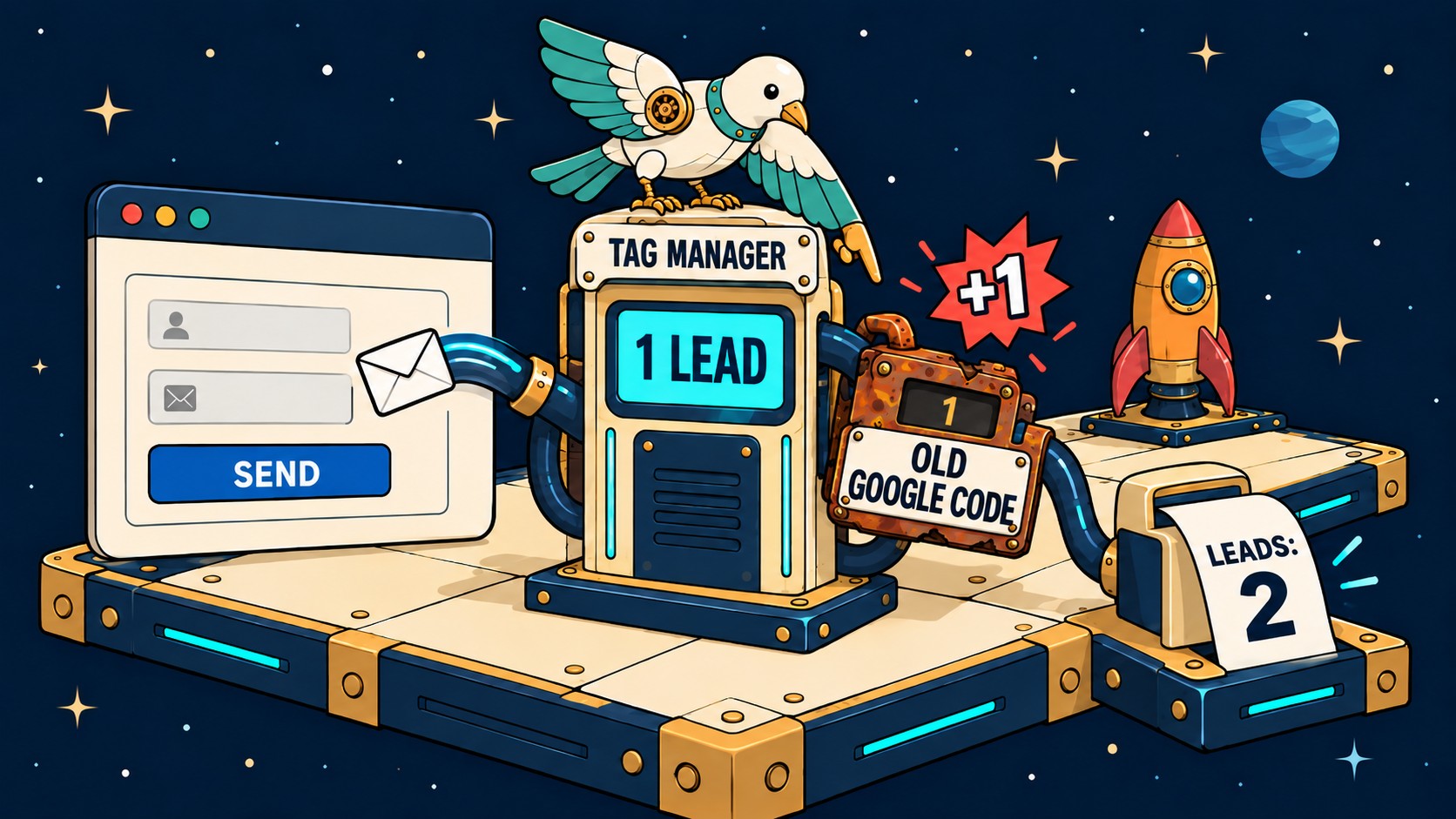
The second was the count of forms sent. GA4's built-in "form sent" count read 4. A second counter we set up, which fires only when our site confirms the message went out, read 13. Our forms send without loading a new page, and GA4's built-in count missed most of them.
So Google Analytics said 4 of 187 people sent the form, or 2.1%. The real figure was 13 of 151, or 8.6%. I can't tell you how many of those 13 people we called back within an hour. We didn't write it down, so that row of the sheet stayed empty.
GA4 runs in the visitor's browser. Ad blockers and privacy settings hide some visits. So every number here is the least it could be.
Why can't one tool give you all six numbers?
Each count happens in a different place, and no single tool sees all of them.
Picture a ballpark. The scoreboard shows the score. The scorebook, kept by one person with a pencil, records every at-bat as it happens. Your Google Analytics screen is the scoreboard. It shows visits and form fills, the things that happen on your website. A phone call, an email reply, and a sales talk happen off the website. They only get counted if somebody writes them down.
Nobody told you which of your numbers needs that person with the pencil. That's not your fault. Google Analytics has no line for "called back," and nothing on the screen tells you that line is missing.

We use the six steps from a funnel, defined, with one change. We count calls and messages as well as forms.
Where do you find each of the six numbers?
Each count lives in one place, and the table gives the clicks to reach it. I read every Google page named here on October 24, 2026.
| What to count | Where | Click path |
|---|---|---|
| How many people visited your site? | Google Analytics | Reports > Acquisition > Traffic acquisition, Sessions column |
| How many visited one page, like your contact page? | Google Analytics | Reports > Engagement > Pages and screens, Views column |
| How many started filling out your form? | Google Analytics | Reports > Engagement > Events > form_start |
| How many tapped your phone number? | Google Tag Manager | Triggers > New, a trigger for links that start with "tel:" |
| How many sent your form? | Your inbox | the emails your form sends you |
| How many called? | Your phone company | your call log |
| How many did you answer, and how fast? | Your inbox and call log | the time of your first reply, written in the sheet |
| How many real sales talks? | Your calendar | the appointments you booked |
Watch for these five mistakes:
- Your own visits count too. To leave them out, go to Admin > Data collection and modification > Data streams > your website > Configure tag settings > Define internal traffic. Then turn the filter on in Admin > Data collection and modification > Data filters. Google says it takes 24 to 36 hours to start, and the visits it leaves out are gone for good (Google).
- form_start only shows up if form tracking is on. Check Admin > Data collection and modification > Data streams > your website > Enhanced measurement. Google says form_start fires the first time someone clicks into a form during a visit (Google), so a click into a footer or newsletter form counts too. That's how our home page logged 24 "form starts" with no contact form on it: people were clicking into the newsletter box at the bottom of the page.
- One page can show up twice. If the page can be reached at two web addresses, GA4 lists both. Add them together. GA4 calls a visit a "session," and a session ends after 30 minutes of no activity (Google).
- A tap on your phone number isn't a call. Your Google Business Profile shows a "Calls" number, and it counts taps on the call button, not calls that went through (Google). Google took away the call history next to it on July 31, 2024 (Google). Only your call log shows whether the call came in.
- Trust your inbox over form_submit. Over those 90 days, our form_submit count said 4 people had sent our contact form, but 13 really had. Our form sends without loading a new page, and that count misses most of those. A form inside another company's booking tool may not get counted at all, so ask that tool for its own number.
Count each real person once. Don't count your own test form, spam, or the same person twice. One client's list of 25 leads included 7 test forms the team had sent themselves.
If Google Analytics shows more forms than your inbox received, believe the inbox. A tracking setup can count one lead twice, and our post on checking your Google tags shows what to look at.
Before you write down a zero, make sure the counter works. Google says new events can take up to 24 hours to show up in Explorations, its build-your-own reports (Google). So if you send a test form and see 0 an hour later, wait a day, and check a count you know isn't zero in the same date range.
The scorebook
Which of these six numbers do you keep?
Start with one number you can find today. Check it off once you write it down every week. Your check marks are saved on this device only.
0 of 6 numbers kept
Did you call them back, and how fast?
Your website can tell you someone filled out your form. It can't tell you whether anyone called them back. If a lead comes in at 9:10 and you call at 11:40, nothing on your site saves those two times.

We had this exact gap. Thirteen people sent our form in those 90 days, and nobody here wrote down when they wrote in or when we wrote back.
So I tried it on a real inbox. Gmail shows the exact date, time, and sender of every message, so one email thread gave me both times. Put them on one line per lead, using the real time even for a lead that came in at night, and mark your own test forms so they don't pad the count. Gmail shows times in your own time zone, so make sure everyone on your team uses the same clock.
The free lead sheet works out the minutes to your first reply for each lead. It marks each one as answered within the hour or not, sets your test forms aside, and compares two months side by side. A lead with an empty reply time stays in the not-answered column until you fill it in. To get it, type your email in the box above and confirm it. The confirmation email has the download link.
Why don't email opens tell you which email worked?
A lawn equipment dealer sent two emails to nearly the same customer list. One was a winter maintenance offer. The other was a tips newsletter. About a quarter of people opened each one, so on opens alone, the two looked the same.
| Winter maintenance offer | Tips newsletter | |
|---|---|---|
| Opened | 681 people (25.6%) | 605 people (24.3%) |
| Clicked | 40 people | 4 people |
The offer got ten times as many clicks. If she had looked only at opens, she'd have thought both emails worked equally well. So when you measure your funnel, count what people do: a click, a call, a form sent.
Can you trust a percentage built on 30 leads?
Thirty leads cannot carry a percentage. Anyone quoting one off 30 leads is guessing in a suit: it looks exact, and it isn't.
A baseball player who gets 3 hits in his first 10 at-bats tells you almost nothing about his season. Thirty leads give you the same kind of small sample.
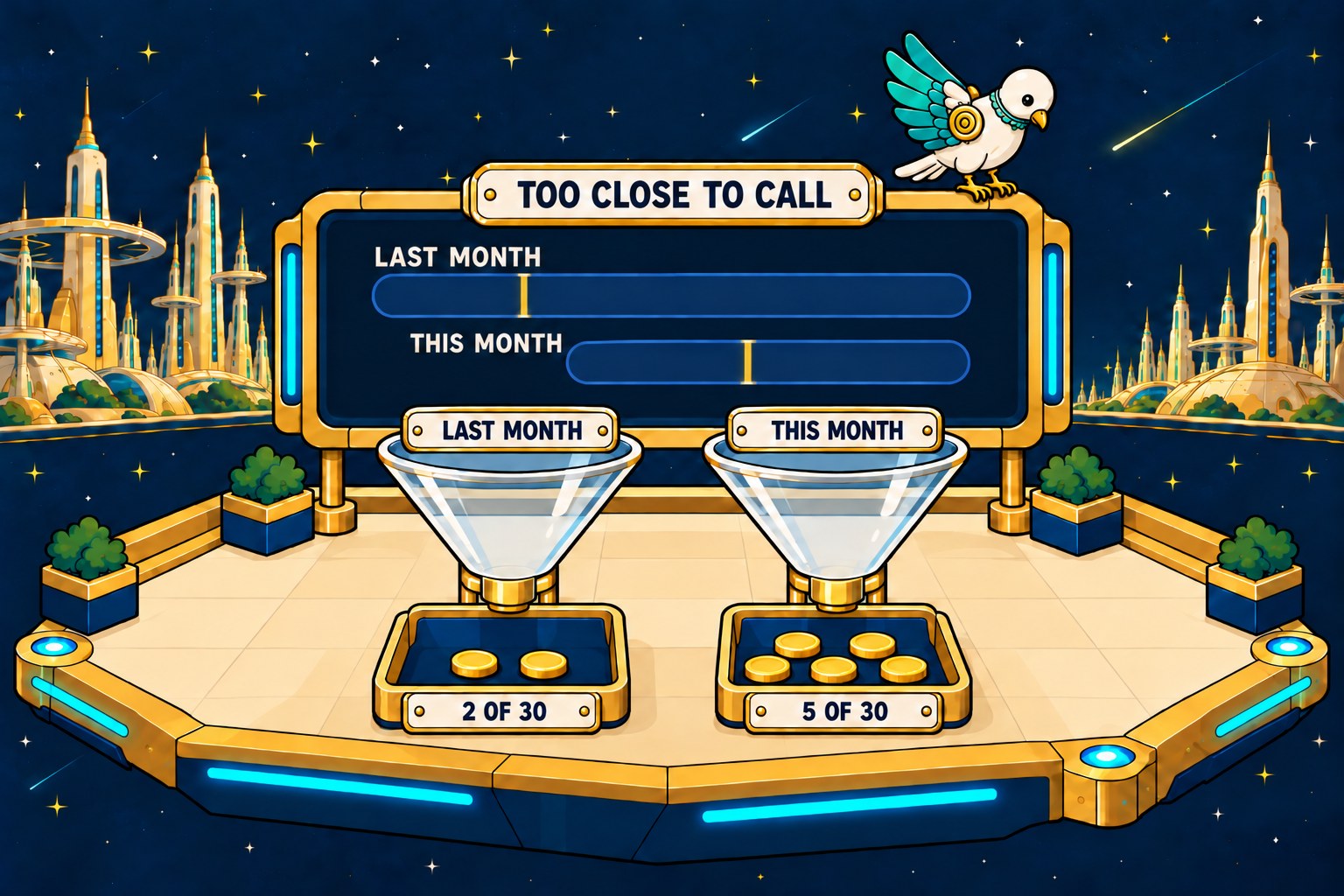
Say you booked 2 calls out of 30 leads last month and 5 out of 30 this month. That's 6.7% and 16.7%, and this month looks better. With only 30 leads each, last month's true rate could be anywhere from 1.8% to 21.3%, and this month's anywhere from 7.3% to 33.6%. Those ranges overlap by a lot. If nothing had changed at all, a gap this big would still turn up about 42 times in 100. You can't tell the two months apart yet.
Now try 2 against 9. That's 30%, with a range of 16.7% to 47.9%. The ranges still overlap a little, but if nothing had changed, a gap this big would turn up only about 4 times in 100. That one you can take seriously. So don't judge by whether the ranges overlap. The gap check is the real test.
If you want to check my math, the ranges are 95% Wilson intervals and the gap check is Fisher's exact test, two-sided. I used Wilson because NIST's page on these ranges points to it for samples of 40 or fewer (NIST). Write down "2 booked," not "6.7%," so anyone can redo the math later. And if both months' counts come from the same 30 people, this test doesn't fit.
Type your own counts into the tool below, and make your guess before you look.
Predict, then revealExample counts
Count first. Guess second.
Type how many new leads you got each month and how many of them booked a call with you. The book shows the numbers after you guess.
Last monthBooked a callbooked a call, out ofLeads that month
This monthBooked a callbooked a call, out ofLeads that month
Before you look: can you tell this month from last month?
Last month
This month
Gold line = the share who booked a call. Bar = the 95% range for the true share. Bars that overlap this much cannot be told apart.
Scorekeeper's note.
How the book checks this
If the tool says you can't tell two months apart, that doesn't mean they're the same. It means you need more leads, or a bigger change, before you know.
What should you do this week?
Pick the one count you can find today and write it on the sheet. No contact form, call log, or shared inbox yet? Start with a notebook. Write down every call and every email from a new customer, with the time.
Then score your own funnel. The self audit works out what your lost leads may cost you, using only the counts you have.
Want someone to look at your form and how fast your team follows up? Request a free site analysis. We'll also show you which counts you can't see yet.
Questions owners ask about measuring a funnel
What is a countable lead?
A countable lead is a real person asking for your service. Your own test forms don't count, and neither does spam or the same person writing twice. One client's list of 25 leads had 7 of the team's own tests in it, so the real count was 18.
How many leads do I need before a percentage means something?
It depends on the size of the gap. With 30 leads each month, 2 bookings against 5 can't be told apart, and 2 against 9 can. Type your own counts into the tool above. Write down how many people booked, not the percentage.
Do I need Google Analytics to measure my funnel?
Not for all six. When we wrote down the six numbers for our own business, Google Analytics gave us visits, form starts, and forms sent. The reply, the reply within an hour, and the sales talk stayed blank, because they happen in an inbox and on a phone. A notebook or a two-column sheet covers those.